
Creating a Color Palette from an Image
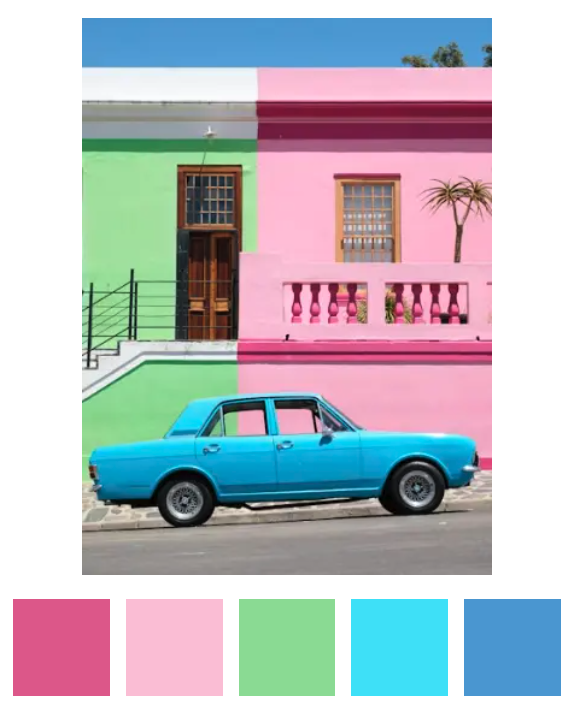
How do you pick the most important colors from a photograph?
Spectrimage takes a photograph, visualizes the color information pixel-by-pixel, and builds a palette. I want the palette to feel chosen, not measured. No two swatches should be wasted on the same color, no muddy averages, and the same photograph should quickly produce the same five colors every time.
Iteration 1: Make it Work
In my first version, I ran median-cut quantization in RGB, partitioned the resulting buckets into seven fixed ROYGBIV regions, ran a three-pass within-region picker, then a cross-region dedupe with hue gates and saturation under-weighting at low lightness. The code became a pile of patches as I introduced new test images that created edge cases. Thirteen named constants. Six rules for what counts as gray.
It worked. Mostly. But it was hard to reason about; I had little faith that new images would create a good palette; and I was compensating for some HSL shortcomings. I decided to chuck it out, move everything to OKLCH, start with a clean K-means algorithm.
My goal is for the spectrum to show the “fact” of the color in the image and for the palette to show the “feeling”.
Iteration 2: Cluster, Merge, Pick
Five colors a human would pick from a photograph is a clustering problem. We group pixels that read as the same color, then pick the best representative of each group. From my last blog post, you can see I’ve already analyzed the image in the OKLCH color space. The move from HSL S to OKLCH C was was a better measure of “how colorful”. For example, rgb(8, 9, 6) is almost black, but S is 20% while C is 0. HSL S is a ratio that blows up near black. But OKLCH C is a distance from the achromatic axis. I could cut on a chroma threshold more reliably than on saturation.
Since I want a five-color palette, unless there are fewer than five good options in the image, I’m using K-means++ with an overshoot of K=10. I think it would be better to find ten color regions and merge down to fewer than to aim for exactly five and miss an important color, pick duplicates, etc. The ten starters will be seeded deterministically from a hash of the input pixels.
My first "would a human consider these the same color" threshold is a merge distance of .07, but I expect to iterate. Two near-identical greens should collapse, while a red and a blue shouldn’t.
Next, if there are more than five clusters, closest-pair logic that ignores the distance threshold merges the two clusters that are closest, even if they're not strictly near-duplicates. If there are fewer than five clusters, a rescue pass walks every pixel to look for a color region that K-means missed initially. The farthest color from any existing centroid is checked for meeting the merge distance minimum from every existing cluster centroid and having at least 0.1% of the image's pixels within the same radius of it. We stop when we find five or nothing new to promote.
Finally, for each cluster, the actual highest-chroma pixel within the cluster's typical radius of the centroid becomes the cluster’s swatch.
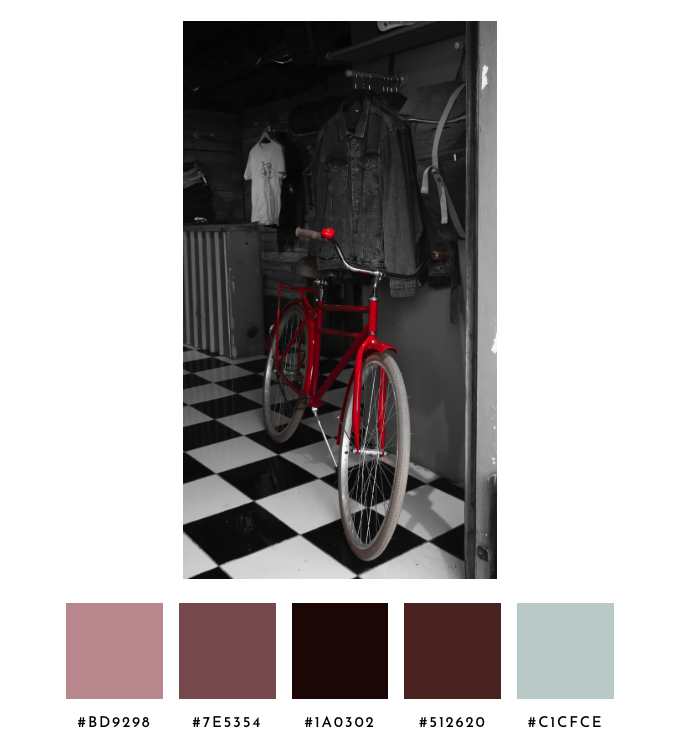
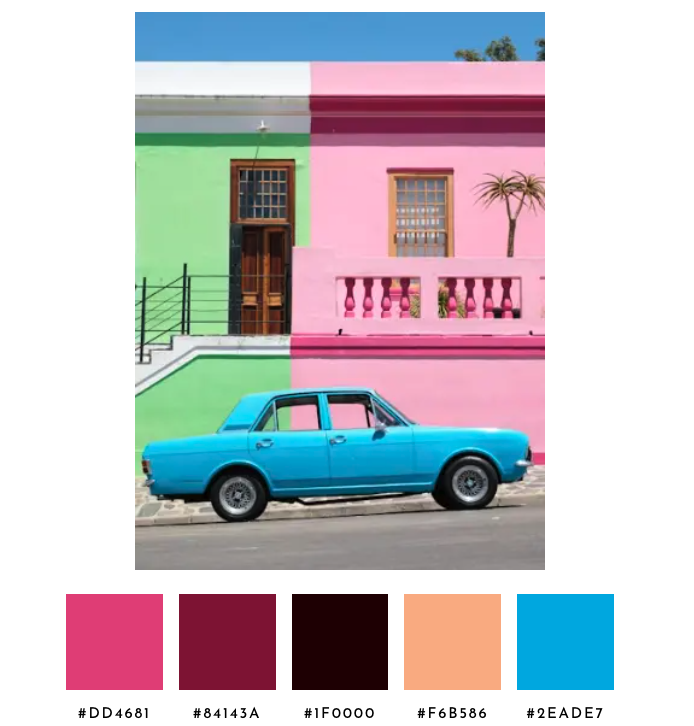
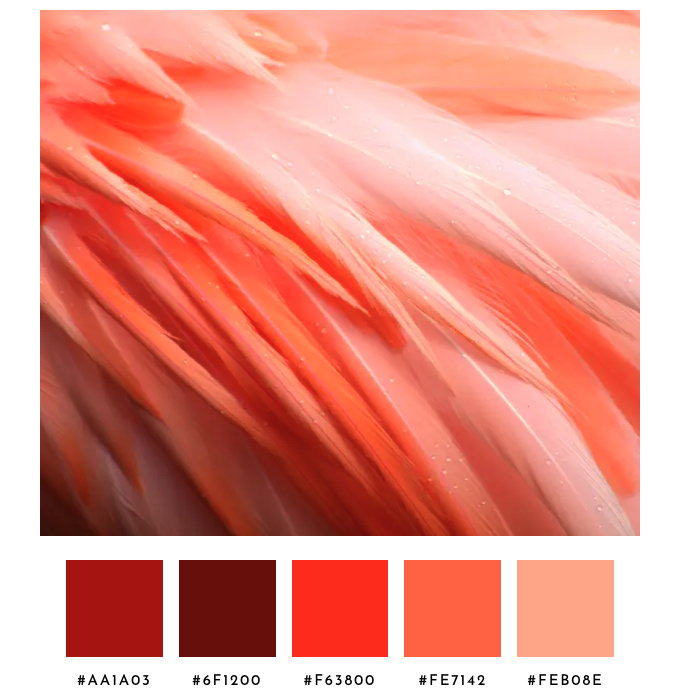
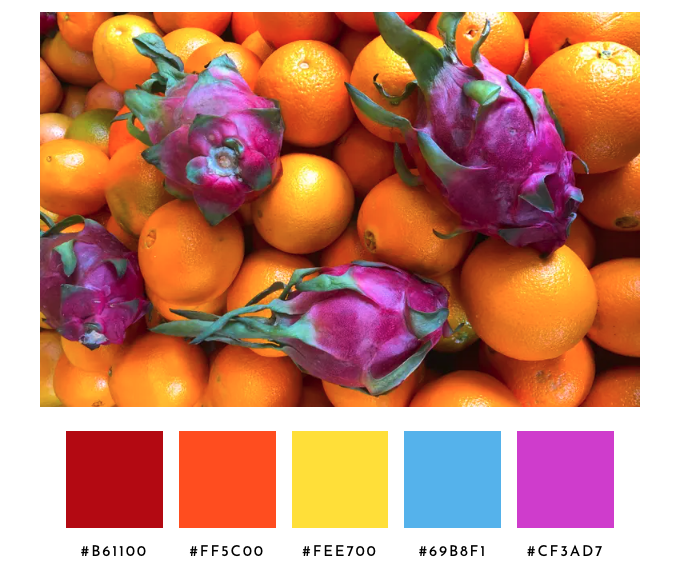
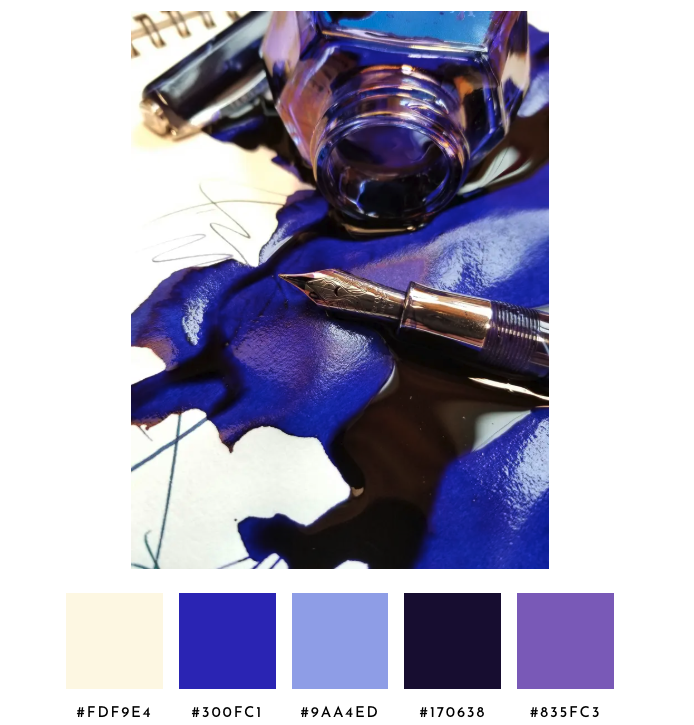
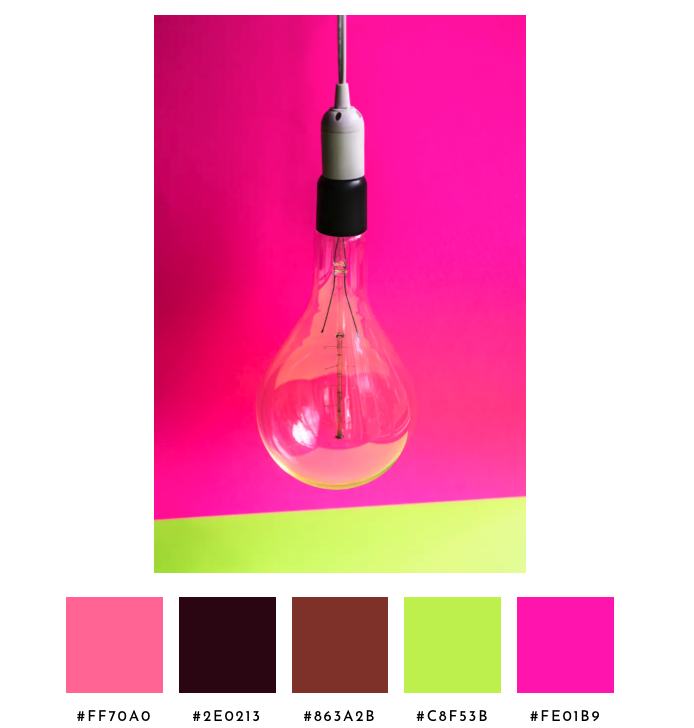
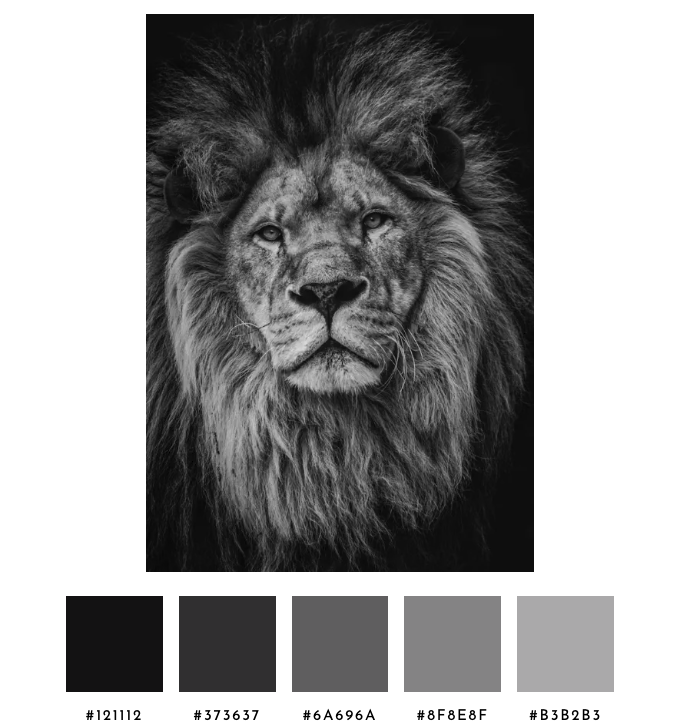
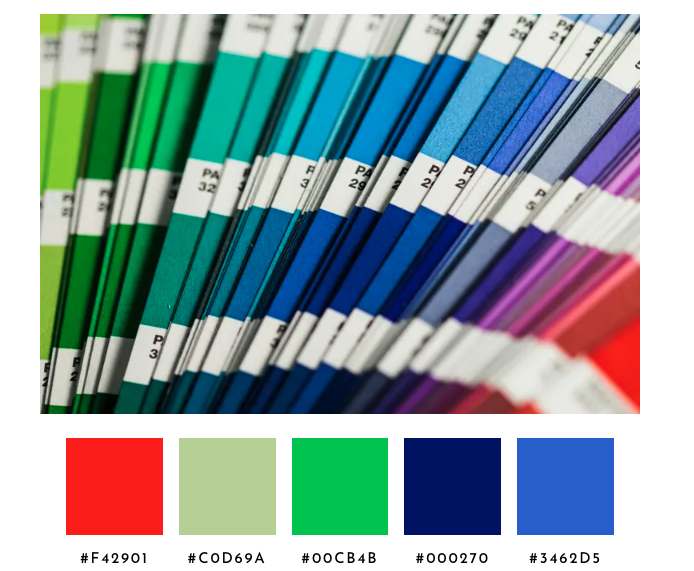
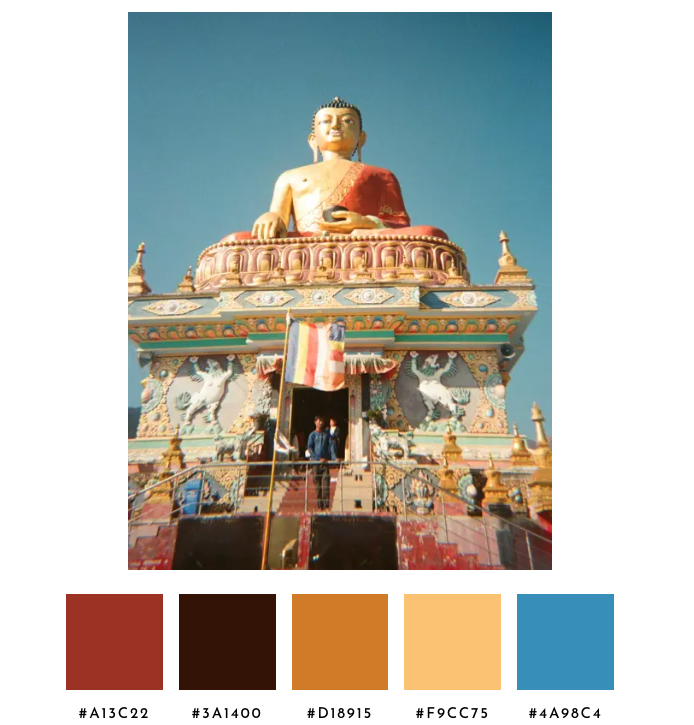
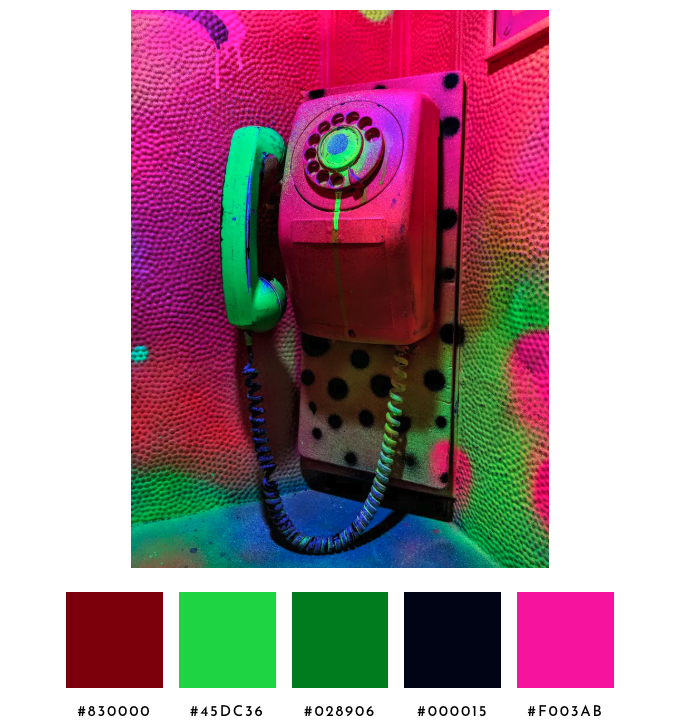
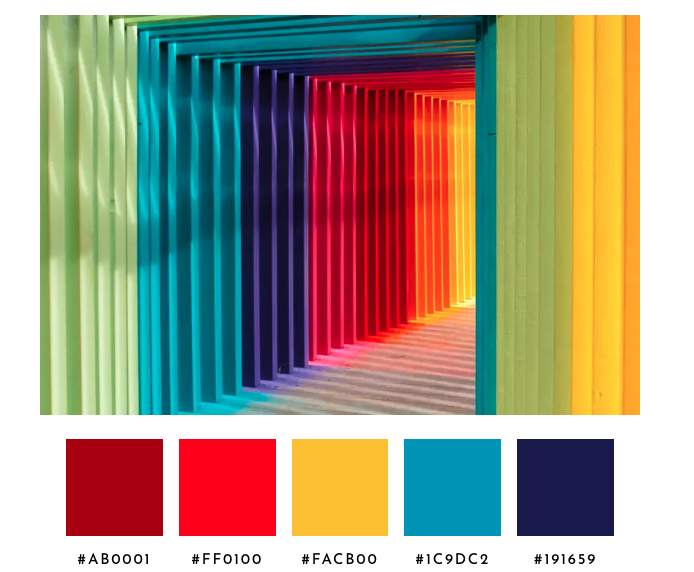
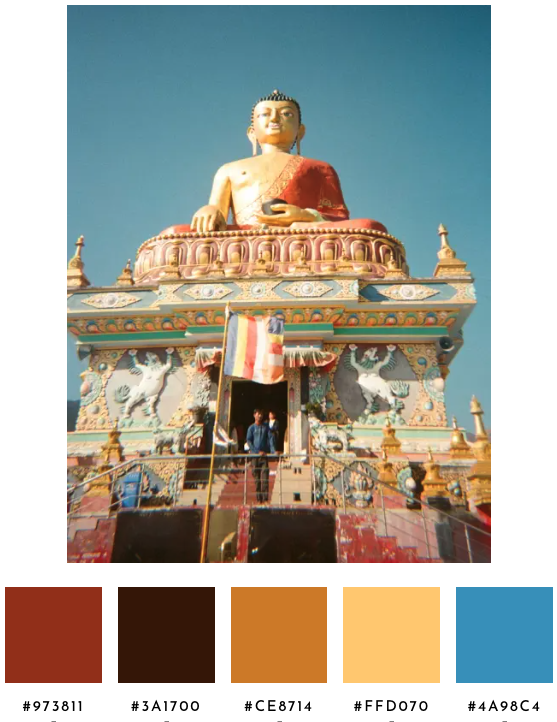
For twelve test images, here are the palettes chosen with this algorithm. Some palettes are defensible, but these definitely need tuning.
Iteration 3: Hue-Weight Distance and Increase K
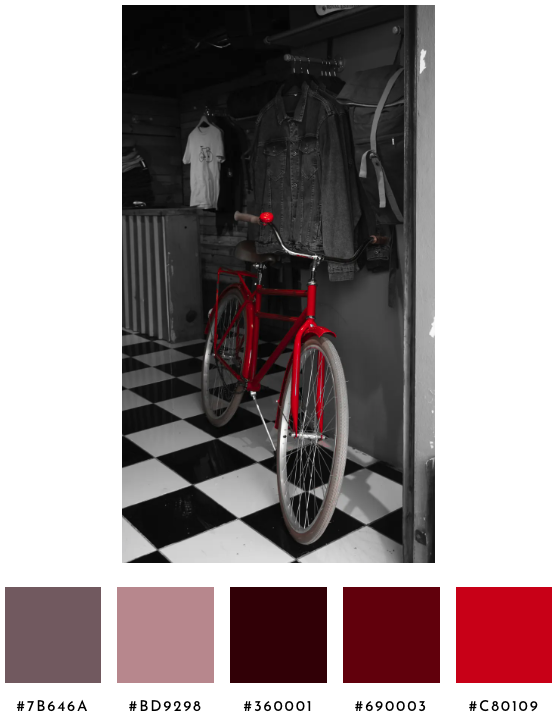
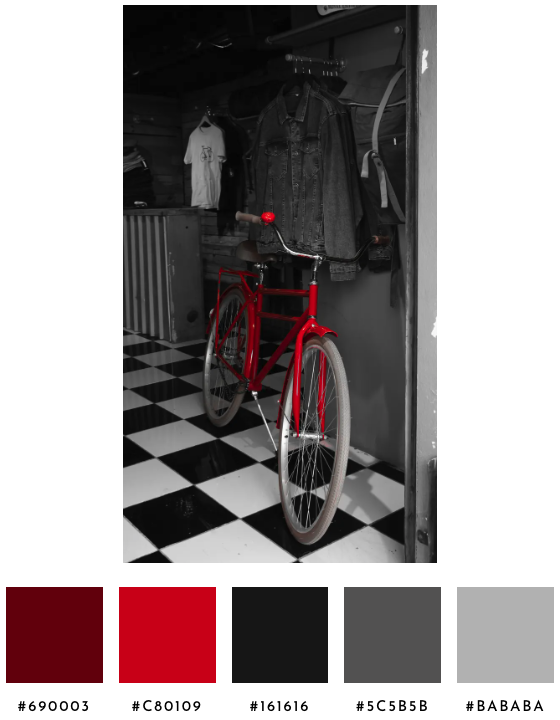
Unsure if a different K would fix some of the issues, a benchmark across the twelve sample images counted how many qualifying clusters survive the natural merge for various Ks. K=14 was a sweet spot. It’s high enough to find chromatic content when it is a small accent in a mostly-gray image. For example, K=10 found zero qualifying chromatic clusters in the bicycle image, because the bright red pops couldn’t win a starting seed against the dominant gray mass of the rest of the image. Twelve worked, but fourteen offered padding without slowing the analysis down. Pushing K higher wouldn’t help more colorful images, and instead produce more candidate clusters that get merged back together as the palette resolves to five swatches.
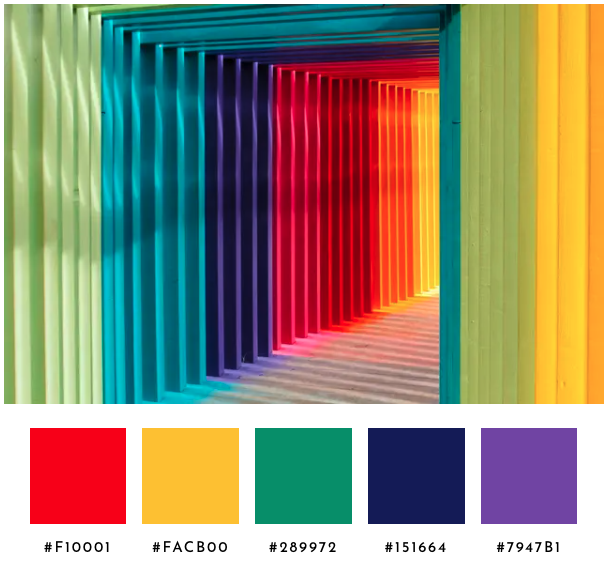
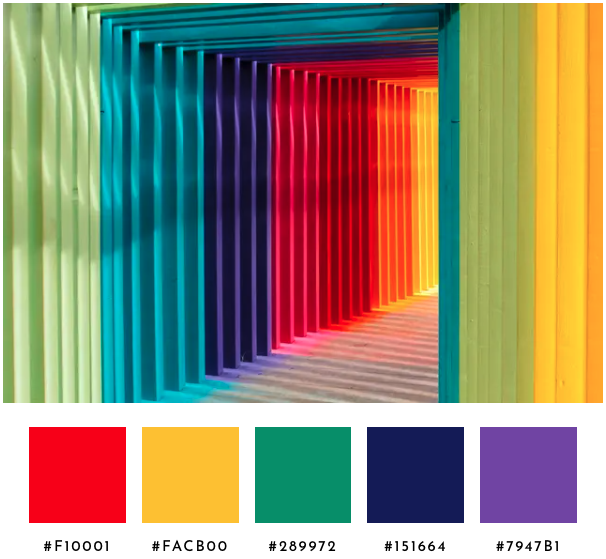
Second, when the merge step compares two clusters to decide whether they’re the same palette swatch, the chromatic plane (hue and chroma) now counts twice as much as the lightness axis. Two reds at different lightnesses feel like reds to a human, but two distinct hues at similar lightness feel like different colors. Without the weighting the algorithm treated those cases the same, and so the closest-pair logic often collapsed the wrong pair. The rainbow tunnel image used to return two reds, because closest-pair collapsed a green and a teal before it touched the two reds. With the weighting, closest-pair picks the duplicate red pair first and a green and a violet make it into the palette.
K-means itself still uses raw distance. The weighting only enters when the algorithm is deciding whether two clusters represent the same slot, not when it’s deciding where the dense pockets of color in the image actually are.
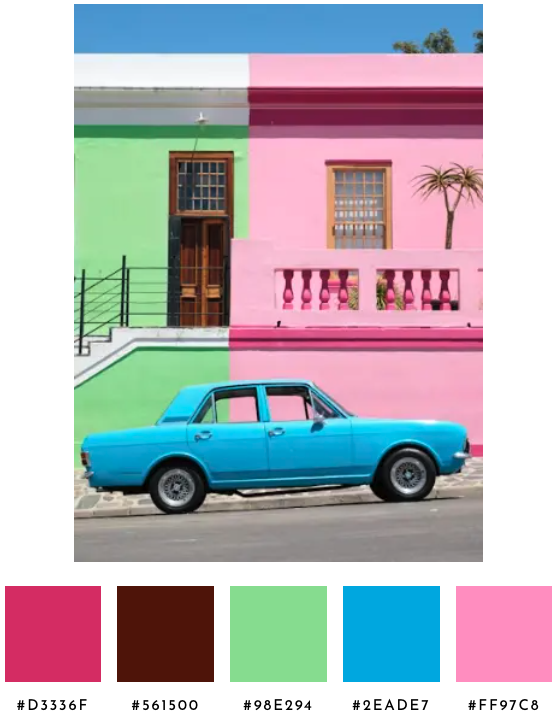
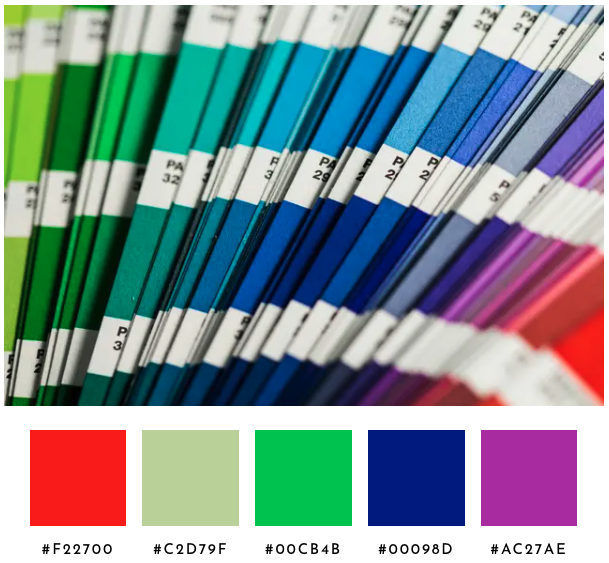
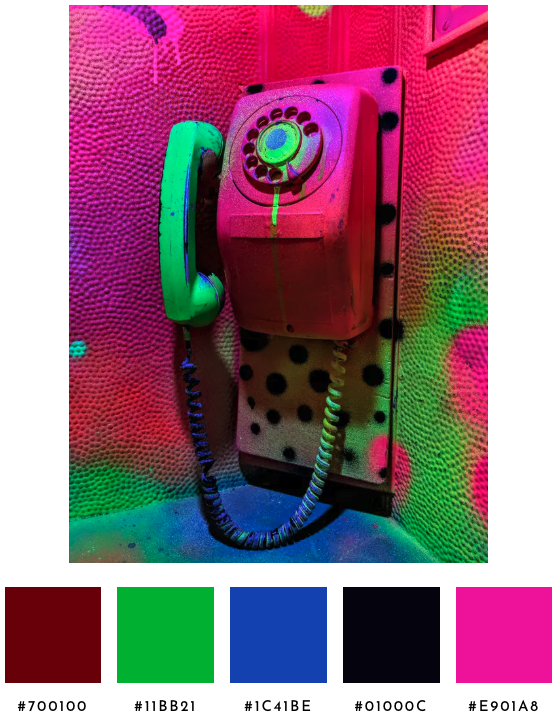
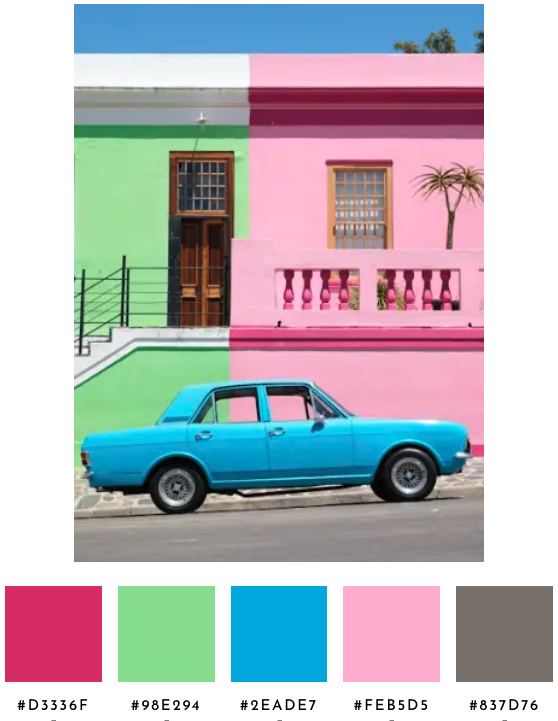
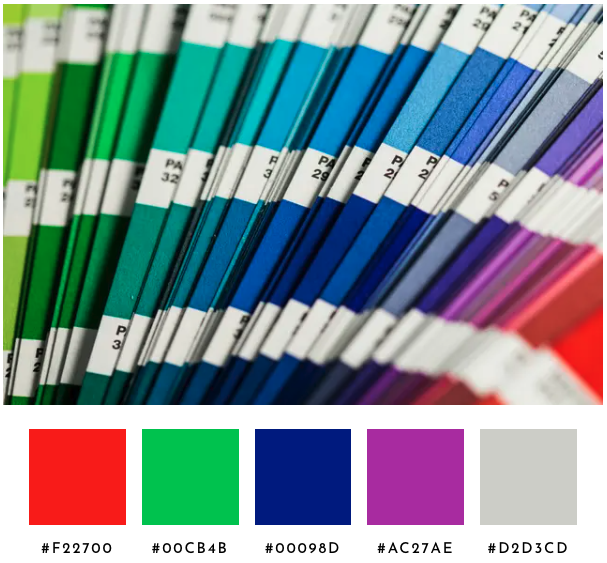
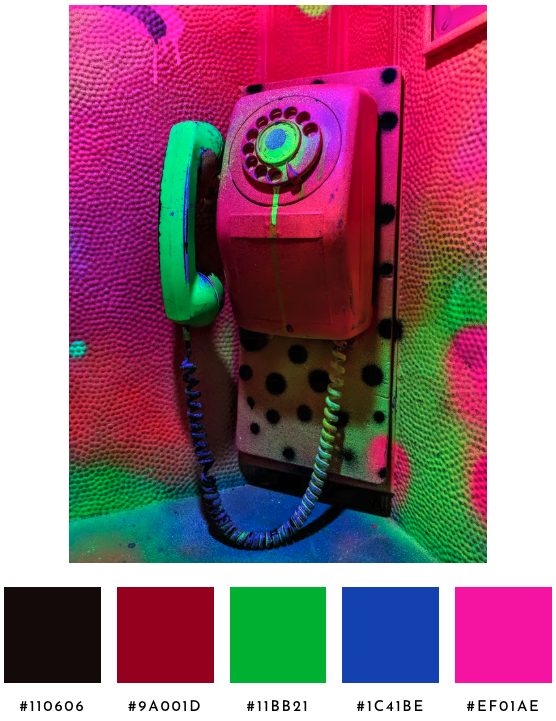
These two changes have clear improvements without losing what we already got “right”. The bright red of the bicycle appears. The tunnel returns a rainbow. The Pantone fan replaces a redundant blue with a violet. The car returns the dominant green that was missing entirely. The telephone collapses a duplicate.
Unfortunately, in a few of the vivid images, even though it doesn’t feel like brown dominates the image, a dark warm cluster (like wall shadows and low-light edges) ends up as a swatch. Chromatic weighting in the merge doesn't help because a dark brown and a bright red are alike in hue but diverge in lightness (L), which the weighting doesn't touch.
Iteration 4: Phantom Guard, Mass Split, Centroid-Aware Reps
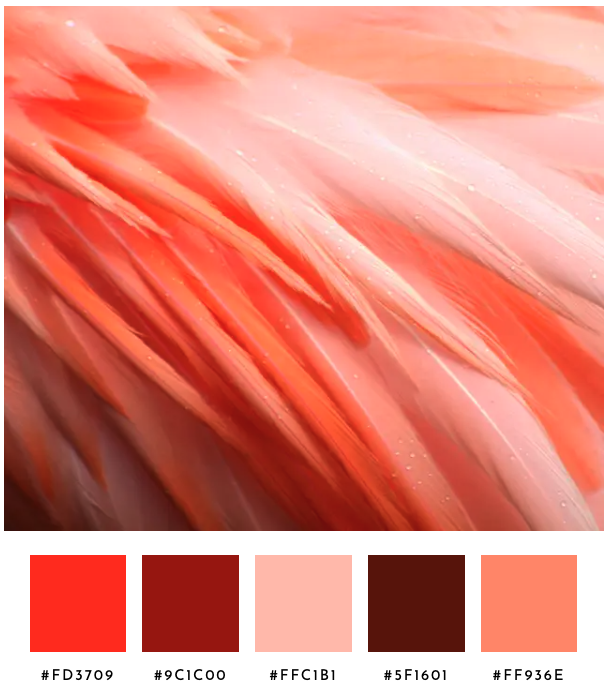
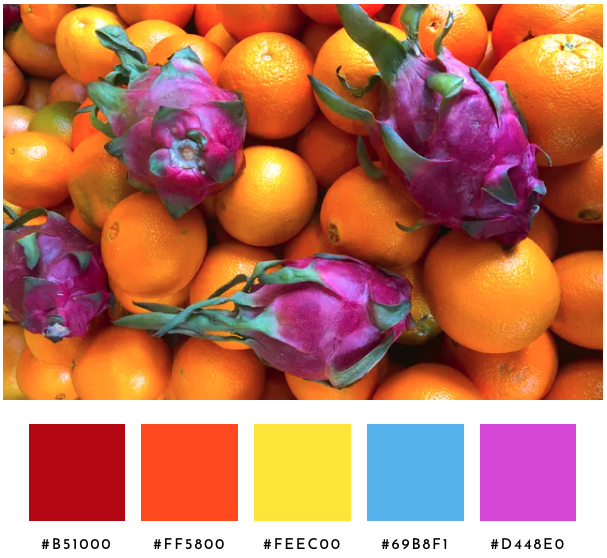
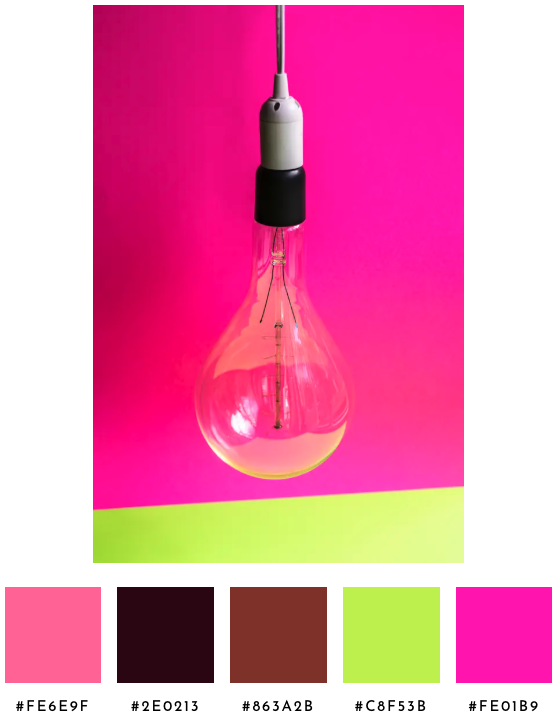
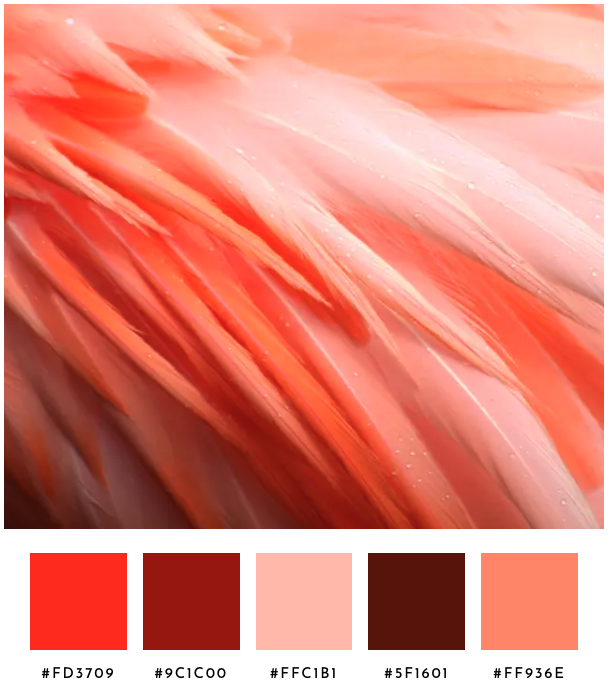
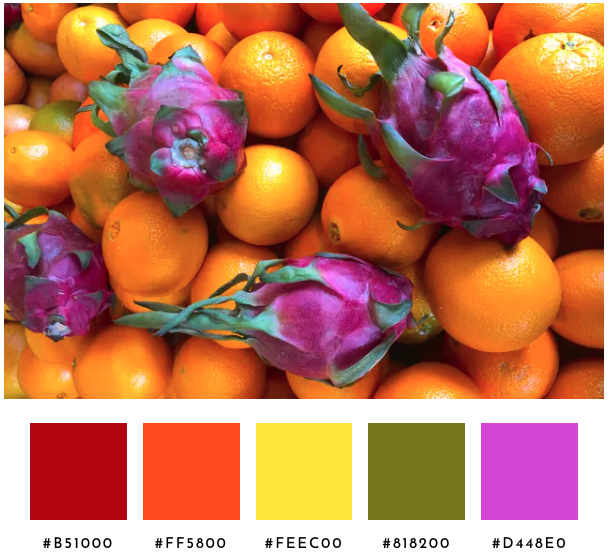
The remaining failures showed up across four images and they shared a shape. A phantom sky-blue snuck into the dragon-fruit palette from a tiny pocket of cool shadow pixels. Brown was unwelcome in the telephone palette. The bicycle returned three reds and two warm-tinted grays when the image is a near-grayscale scene. The Pantone deck returned two light gray swatches instead of one. Three small structural changes addressed what more merge-distance tuning could not.
First, before any forced collapse, any cluster whose pixel weight is below 2.5% and whose centroid chroma is below 0.05 was dropped. Population alone can't separate phantoms from real small accents, fruit's phantom blue is at 2.31% and bicycle's red bell is at 1.04%. Dropping the cluster outright was cleaner than merging the phantom and hoping it wasn’t promoted in the next pass.
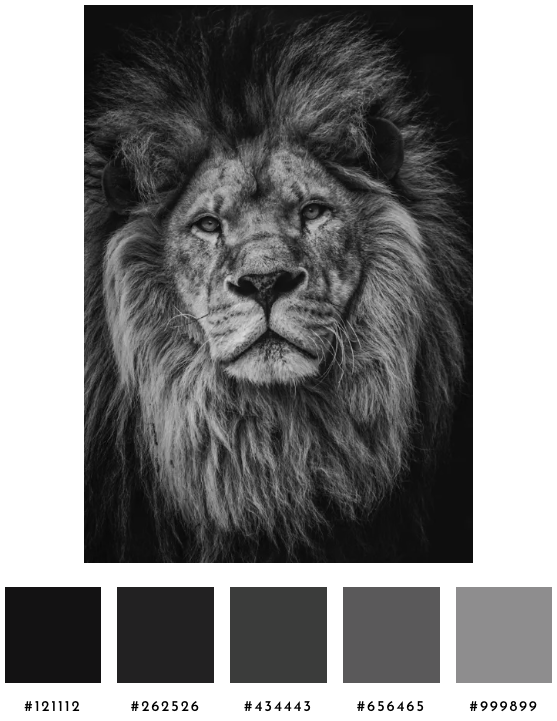
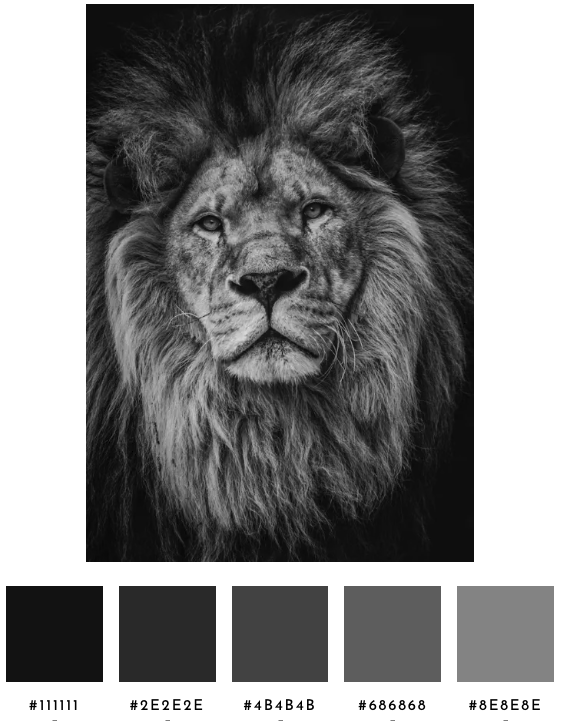
Second, allocate slots by mass by counting how much of the image is achromatic versus chromatic. The bicycle image is 97% achromatic, lion is 100%, fruit is 0%. Achromatic slots are reserved in proportion to that mass, while saving room for chromatic accents. Achromatic clusters are bucketed into dark, mid, and light. Two clusters that fall in the same bucket read as the same role even when they're mathematically distinct. Collapsing same-bucket pairs gives the Pantone image one slot for paper instead of two, and the freed slot moves to the chromatic side. An exception keeps lion's grayscale ramp intact when there are no chromatic clusters to fall back to.
Third, swatches are chosen depending on whether the cluster is essentially chromatic or essentially gray. Previously, the highest-chroma pixel within the cluster's typical radius of the centroid became the swatch. But, when the centroid sits in mostly-gray territory, the highest-chroma pixel is a warm-tinted outlier from the cluster's edge, and the swatch reads as sepia or mauve or sage green even though the cluster is essentially gray. Now, when the centroid's chroma is below 0.03, the pixel closest to the centroid is chosen instead, whereas the original highest-chroma rule still applies for any cluster whose centroid is clearly chromatic.
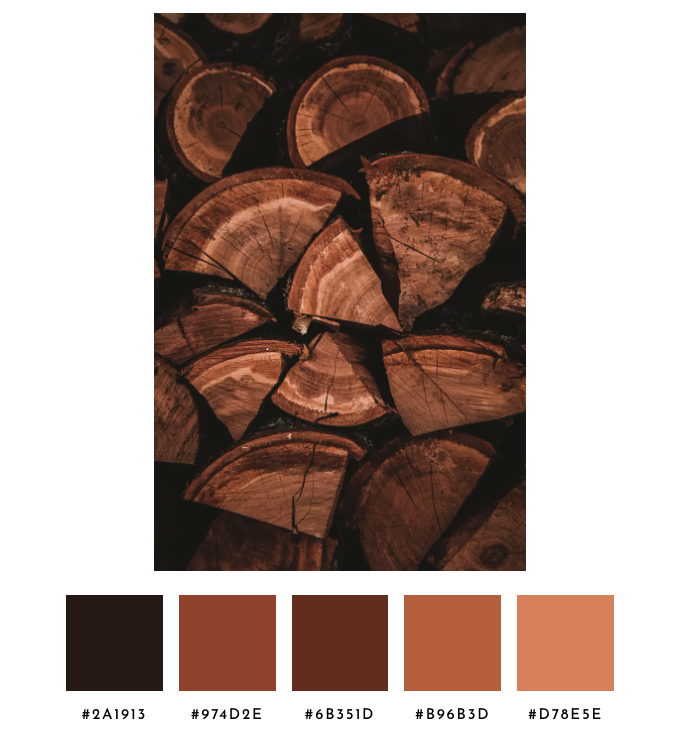
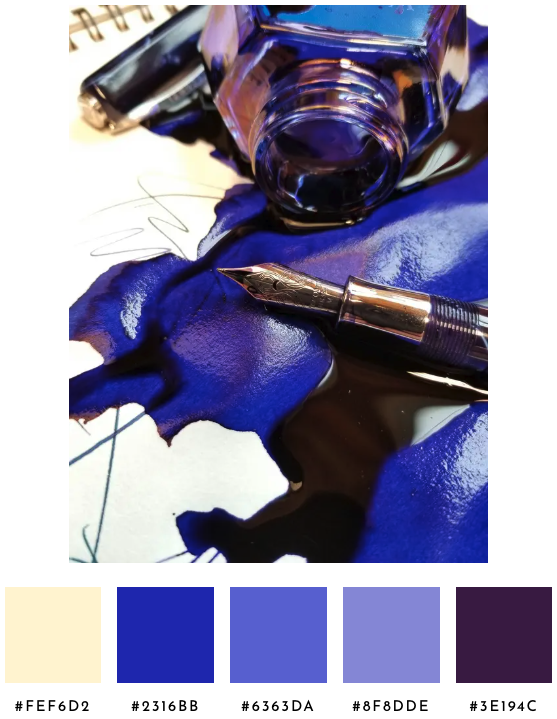
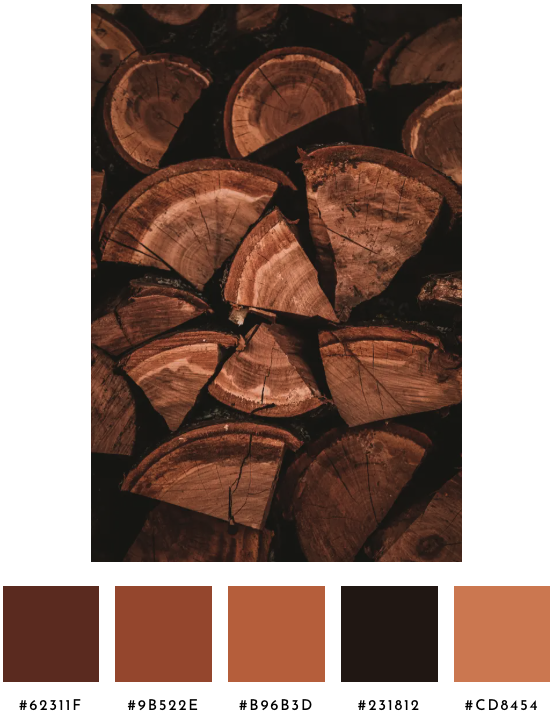
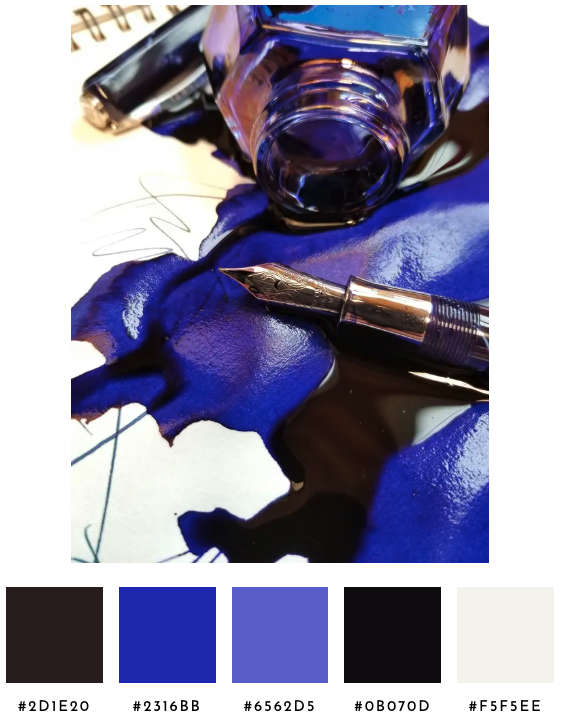
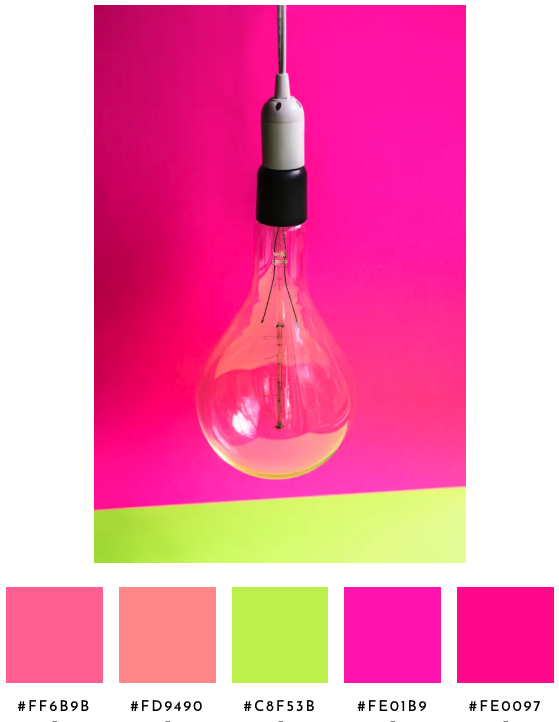
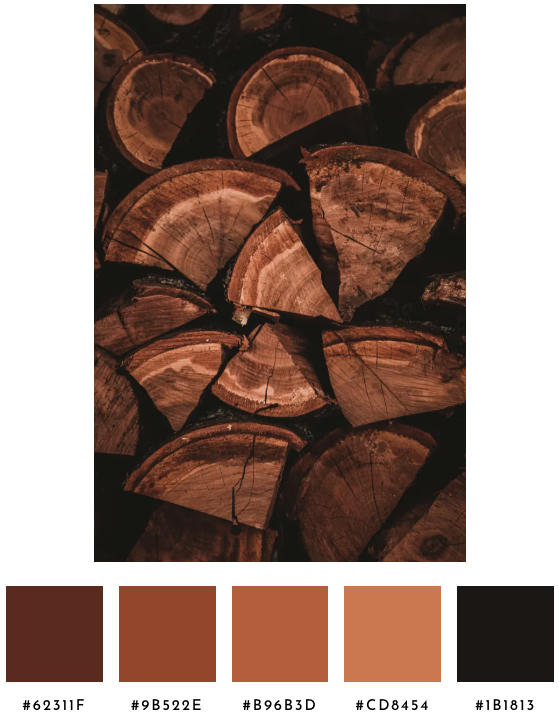
If I tackle another round, I'll thin same-family ramps so the lightbulb image returns one or two pinks instead of four, collapse cross-side near-duplicates so the ink image doesn't return both a warm dark and a near-black, and sort same-family swatches by lightness so the wood image reads as a smooth ramp.
This iteration does enough to make the palette feel more human-selected, without hard-coding edge cases or optimizing for any specific test scenario. In the Spectrimage app, the user can adjust any of the swatches before saving the palette.
How It Works
Spectrimage palette selection runs alongside the spectrum analyzer in the same client-side pass over the image.
Up to 90,000 sampled pixels feed into K-means++ clustering at K=14, computed in Oklab (the rectangular form of OKLCH so distance is Euclidean and hue's circular nature handles itself). The K-means seed is a hash of eight canonical pixels from the sample, so the same image always produces the same palette. Once the centroids settle, a natural merge collapses any pair of clusters within 0.07 Oklab distance, with the chromatic plane (a, b) counted twice as much as lightness so two reds at different brightnesses recognize each other as the same palette slot.
Three structural passes follow. A phantom guard drops any cluster whose weight is below 2.5% of the image and whose centroid chroma is below 0.05, so a small pocket of near-gray pixels can't claim a slot through a vivid outlier inside it. A slot allocator counts achromatic versus chromatic pixel mass and reserves achromatic slots in proportion; the surviving achromatic clusters are bucketed into dark, mid, and light bands by OKLCH lightness. Same-bucket pairs collapse to one slot and any freed slots move to the chromatic side, where the closest-pair logic from the natural merge step trims the chromatic clusters down to fill the remaining slots. If fewer than five clusters remain after that, a rescue pass walks the pixels for any region of at least 0.1% of the image that lives more than 0.07 from every existing centroid and promotes it.
For each cluster, a representative pixel is picked from inside its typical radius. When the cluster's centroid chroma is at least 0.03, the rep is the highest-chroma pixel in the radius, favoring a real pixel with a vivid bias, anchored to the cluster's center. When the centroid chroma is below 0.03 (the cluster is essentially gray), a pixel closest to the centroid is selected, so the swatch is gray rather than a warm or cool outlier from the cluster's edge.
The five swatches are sorted by hue with achromatic colors at the end by lightness, using the same chroma threshold (0.02) that the spectrum analyzer uses to split its two graphs.